Word · DOCX
Use it for proposals, procedures, briefs and text you intend to edit. Request clear headings, sections and tables. Download the file and complete the final details in your document editor.
AI MOLDOVA / PRACTICAL GUIDE
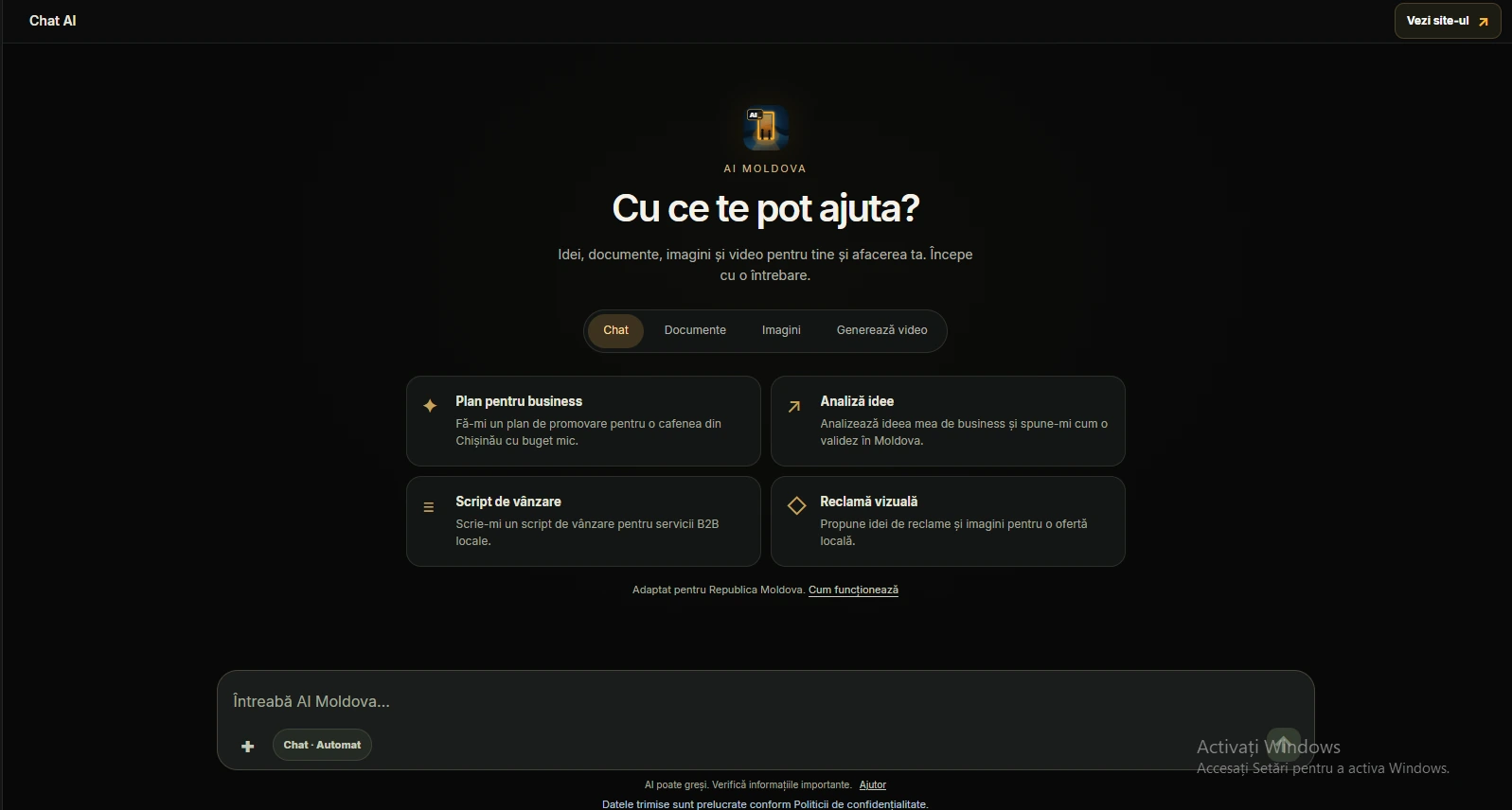
Prepare a proposal, report, budget or presentation in AI Moldova chat’s Documents mode. Develop the content through conversation, review it and choose the right download format.
Use it for proposals, procedures, briefs and text you intend to edit. Request clear headings, sections and tables. Download the file and complete the final details in your document editor.
Use it for a report or material you want to send after review. Agree on the content and section order first. Export produces a working document, not a digital signature or certification.
Use it for budgets, calendars and structured lists. Explicitly request a table with headers and units. Export needs a table; an ordinary paragraph does not automatically become a workbook with formulas and validated calculations.
For a presentation, request sections and concise points for each slide, then export PPTX. Choose TXT for plain text or an easily reused copy. Refine the presentation’s visual design in your editor after download.
State the document type, recipient, purpose and language. Include real values, dates and required sections. Specify the currency and request a table for a budget.
Request an initial structure, then complete and revise it. Check totals, names, dates and any clauses. Mark missing information instead of allowing the assistant to invent it.
Open the response’s document options and select an available format. For XLSX or CSV, ensure the answer contains a table. Open the downloaded file and review the final result.
Prepare a Romanian proposal for website maintenance. Include the scope, included work, exclusions, schedule and an MDL cost table. Leave [to complete] for prices and company details. I want to export it to Word.
Create a budget table for a 30-day campaign. Columns: activity, quantity, unit cost MDL, total MDL and notes. Use only the figures I provide and label estimates separately. Prepare the content for XLSX export.
You can start with Free chat, including without an account, within the available allowance. Your plan and credit balance apply alongside daily limits. The selected model, conversation length, attachments and web search can affect usage. Check the plans page and the balance shown in the tool for current conditions.
View plans and credits ↗Only share what the task needs. Remove unnecessary personal or commercial information before attaching a document. Local history depends on your functional-cookie choice; do not assume a conversation in this browser automatically syncs across devices.
Check names, figures, sources and conclusions before use. AI can make mistakes. Ask a qualified professional to validate legal, medical or financial decisions.
How submitted data is processed ↗Yes, within the chat’s supported formats and limits. Explain what to extract or compare. Check the answer against the source, especially for tables and scanned documents.
Identical conversion or preservation of the entire design is not promised. Documents mode helps draft and structure content. For Excel or CSV, request a table and check extracted values before downloading.
Content generation and revision use the limits and credits applicable to the request. Downloading an existing response in an available format does not add generation credits. A new AI request can have a separate usage charge.
Treat it as working material. Check formulas, figures, obligations and party details. A downloadable file does not constitute legal, accounting or financial validation.